Skip to content


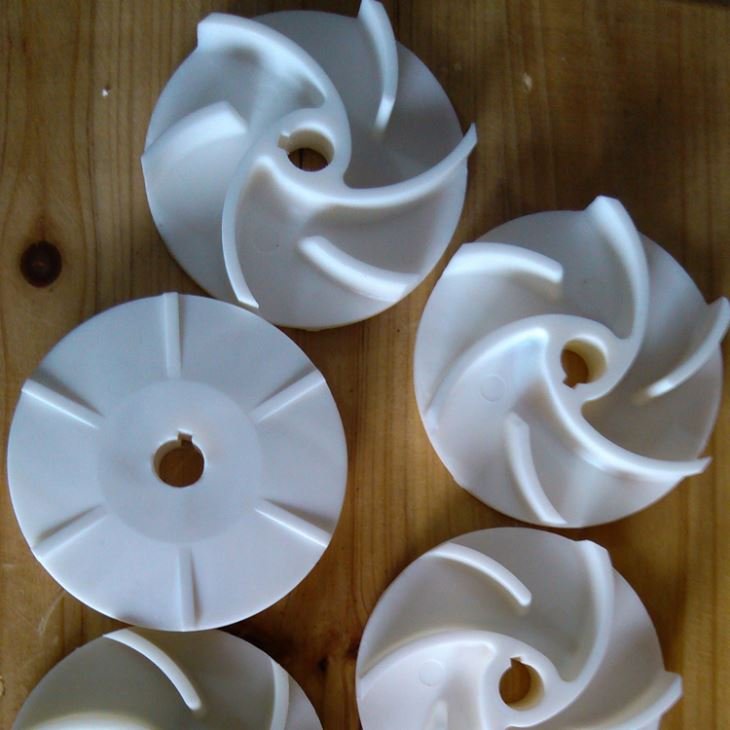
Creating a 3D model from a physical product can be a challenging task, but it is a necessary step in many industries such as manufacturing, product design, and many other fields. In this video, we talk about how to create a 3D model from a physical product using a laser scanner.
The first step is to select the object that you want to create a 3D model of. Then you can start scanning it with a laser scanner. This process can take several minutes to hours, depending on the size and complexity of the object. During the scanning process, you will capture a series of images or data points that will be used to create the 3D model.
After you have completed the scanning process, it is time to process the scan data. The 3D model created from the scan data may require some refinement to remove errors or inaccuracies. This may involve smoothing surfaces, filling gaps, or removing unwanted artifacts.
Once the 3D model has been refined, it can be exported into various file formats, such as STL or OBJ, for 3D printing or other software applications.
As a mold manufacturer, Fitmold has helped many clients reverse engineer product samples and create 3D designs for tooling development and mass production. Contact us for a free quote.